
An installer that feels like liftoff.
Installers are usually the ugliest screen of any app. Ours is the first one you see, so we built it from scratch.
Why not use a standard installer?
Standard installer toolkits are reliable, but they look like 2005: grey wizards, tiny checkboxes and a "Next" button you click four times. A.S.T.R.O AI is meant to feel calm and a little bit cosmic, so the first screen you see should too.
We wrote our own: one small native Windows program with no frameworks. It draws its own borderless window and carries the whole app inside it as a compressed payload.
The moon is the progress bar
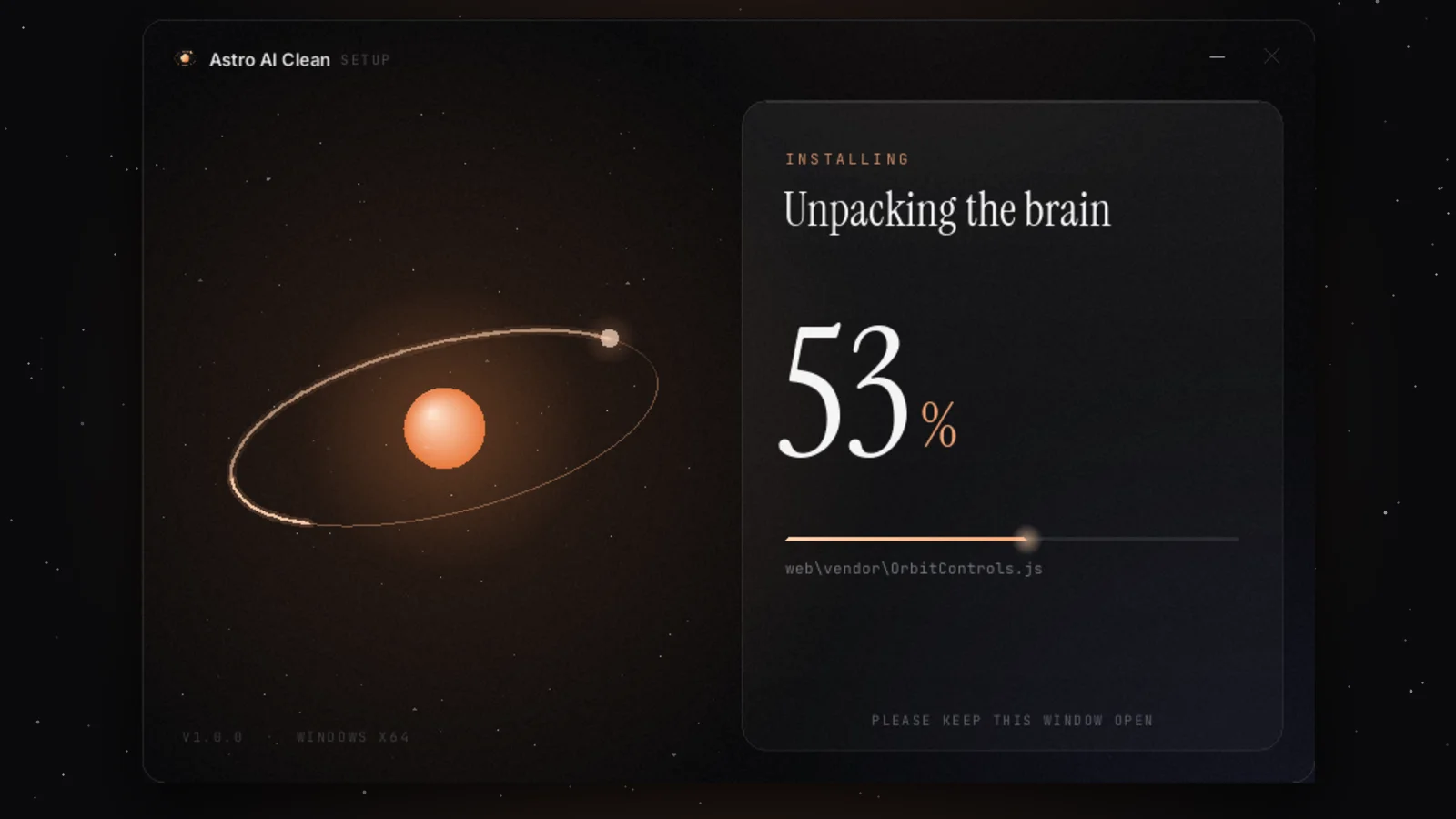
The left side of the window is the same scene as our logo: a glowing core, a tilted orbit and a moon. While A.S.T.R.O AI installs, the moon travels around the orbit and leaves a trail behind it. The more it has drawn, the further along you are. On the right, a big serif percentage counts up and the current file name ticks past underneath.
Every screen has its own line of copy:
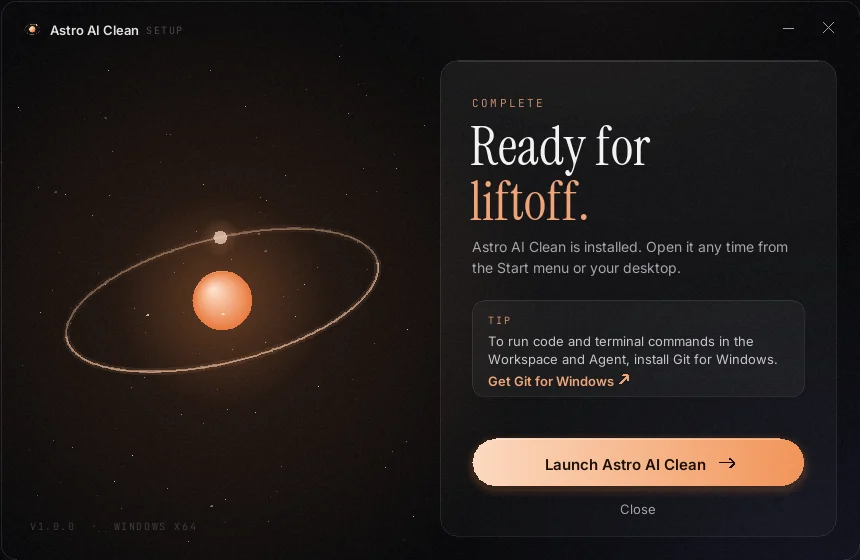
- Install: "Ready for liftoff."
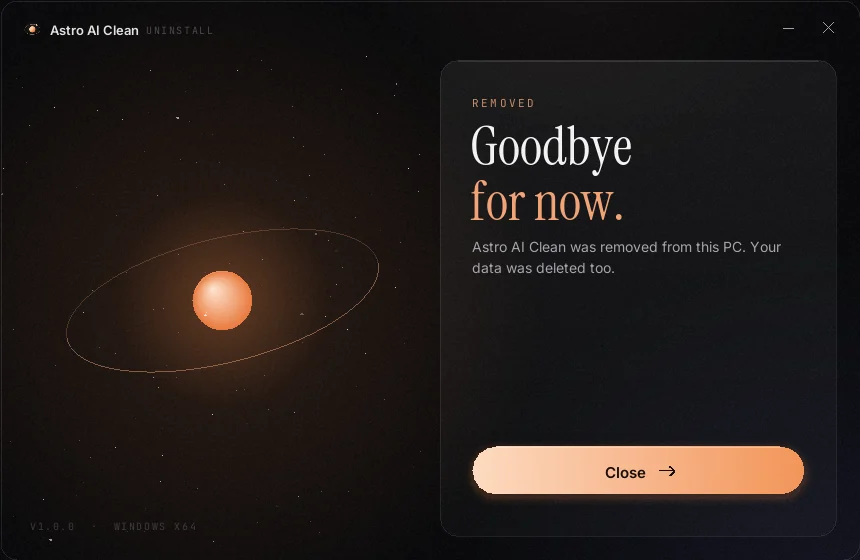
- Uninstall: "Leaving orbit?" and then "Goodbye for now."
- If something goes wrong: "That didn't land.", with a plain explanation of what happened.
Smooth, even on modest machines
Animated installers can be surprisingly heavy, which is a bad first impression on an older laptop. The star field is written straight into pixel memory instead of being drawn shape by shape, and only the orbit and the text use the slower vector drawing. A frame takes around a millisecond and a half to draw, so the animation stays smooth without spinning up your fans.
Polite by default
- No admin prompt. A.S.T.R.O AI installs just for you, under your user profile, so the installer never asks for administrator rights.
- Updates in place. Running a newer installer over an old version updates it and keeps your chats and settings.
- One at a time. Open the installer twice by accident and the second copy just brings the first to the front.
- Silent mode for IT.
Setup.exe /Sinstalls without any UI. You can also set the folder with/D=and skip the desktop shortcut with--no-desktop-shortcut.
Leaving no trace
Uninstallers are notorious for leaving folders, shortcuts and registry keys behind. Ours removes the app, its shortcuts and its registry entries, then deletes itself once it's done. If you turn on Also delete my data (or pass --purge in silent mode), your chats and settings go too. In our tests, a full install-and-purge cycle left nothing behind.
What's next
The installer isn't code-signed yet, so Windows SmartScreen shows a warning the first time you run it. Signing is on our list. Until then, every download has a published SHA-256 checksum so you can check the file is genuine.